
Step by step – from creating a group to dining together.
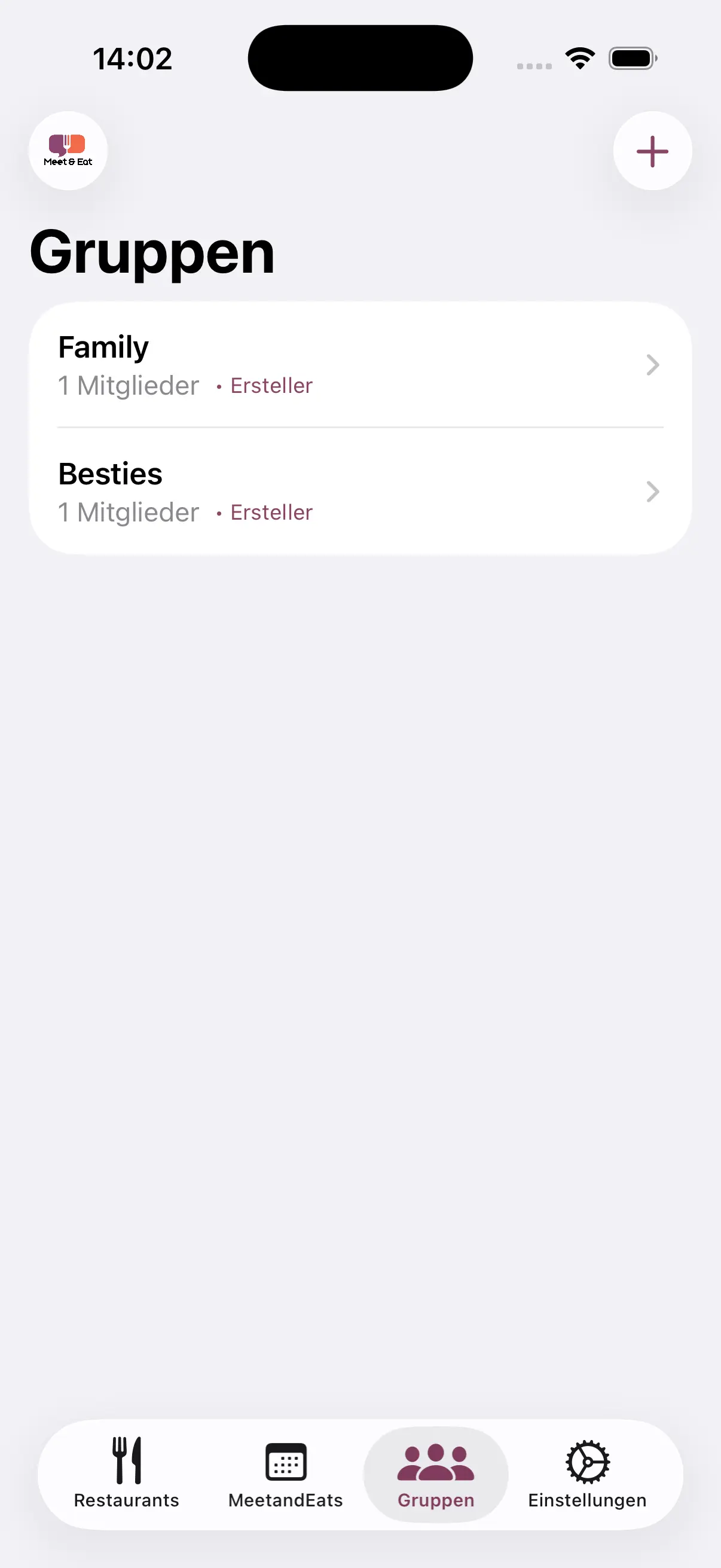
After launch you'll see your group overview. Here you'll find all groups you're a member of. Tap a group to see its events – or create a new one.
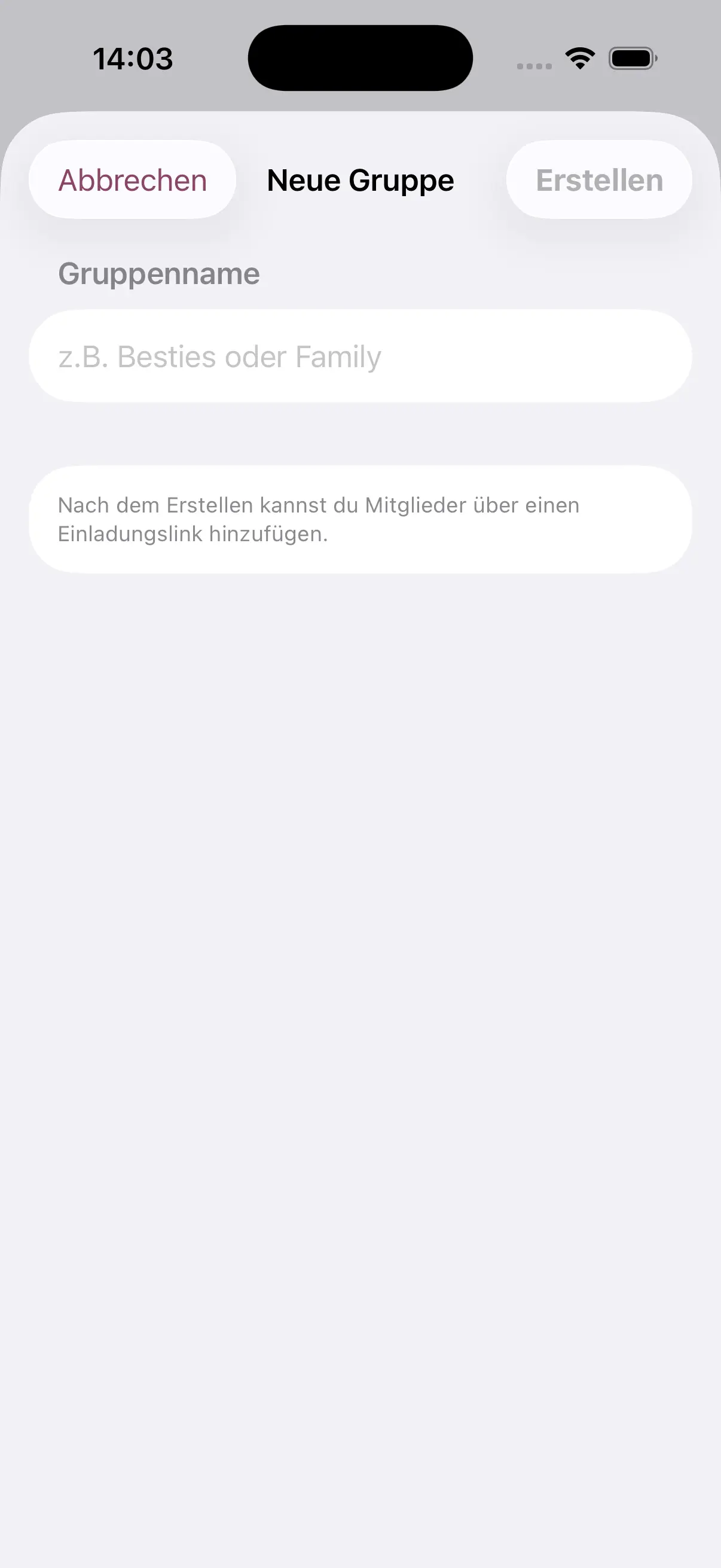
Tap "+" to create a new group. Give it a name – e.g. "Friday dinner" or "Family brunch". You can then invite friends via a link.
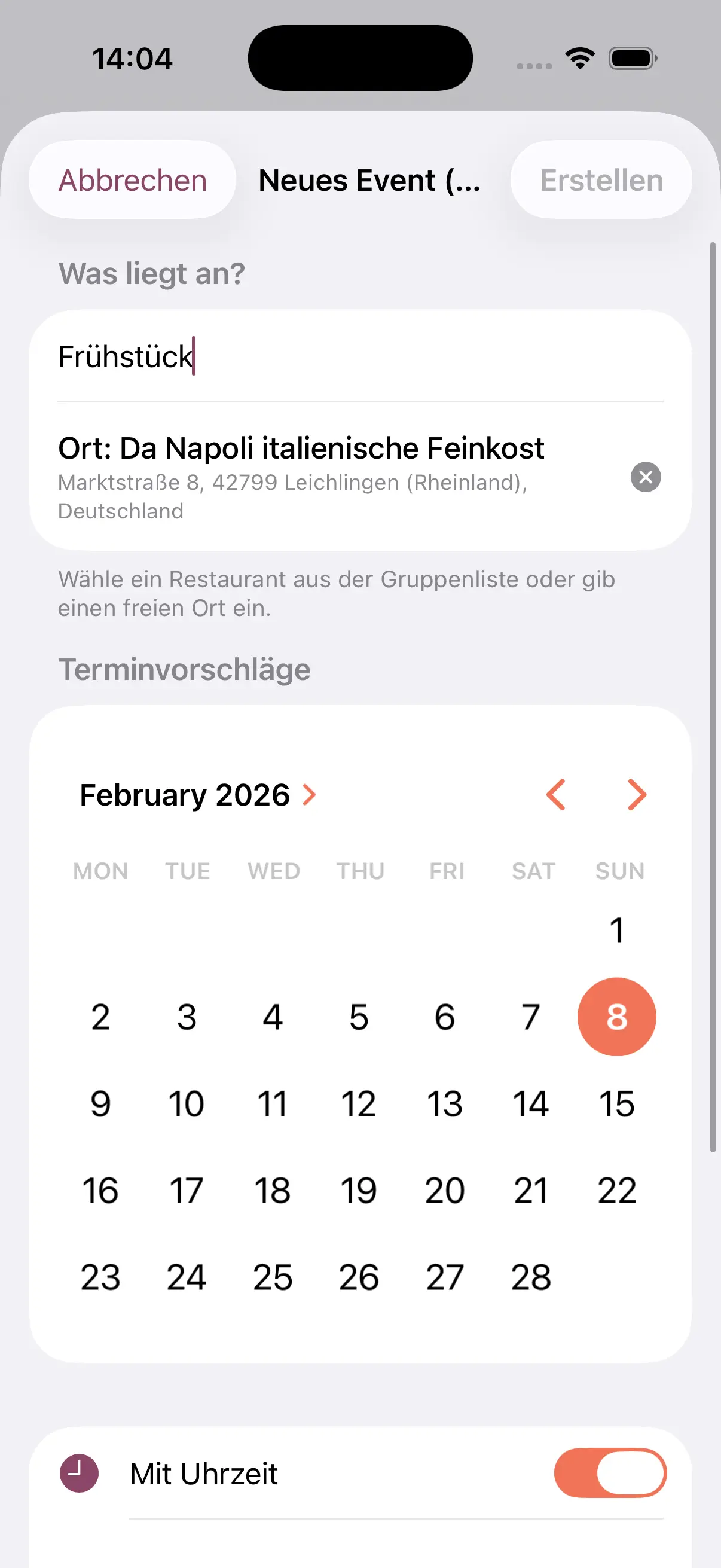
In your group you can create a new event. Enter a title, optionally add a description and choose a restaurant from your favorites.
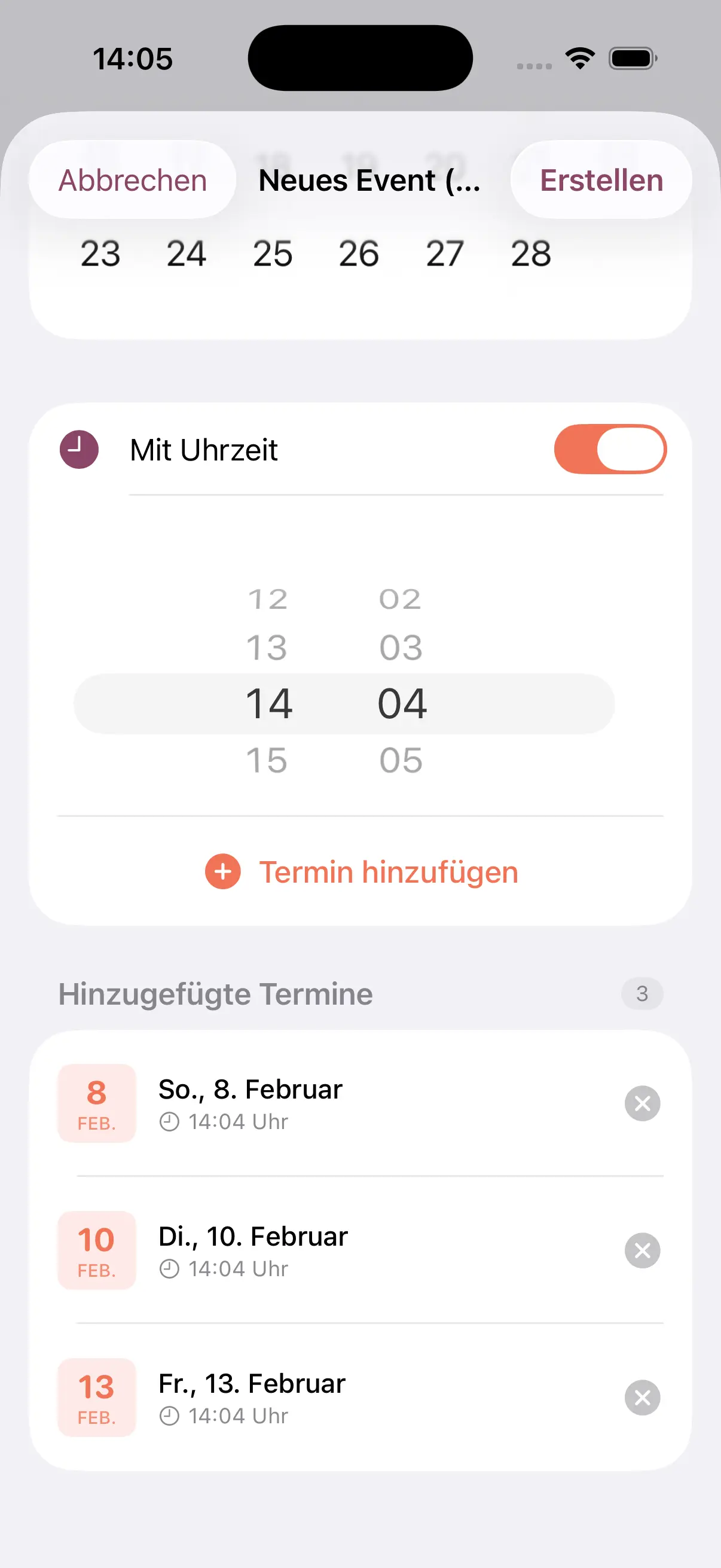
Suggest one or more date options. Pick a date and time – so every group member can vote on the best time.
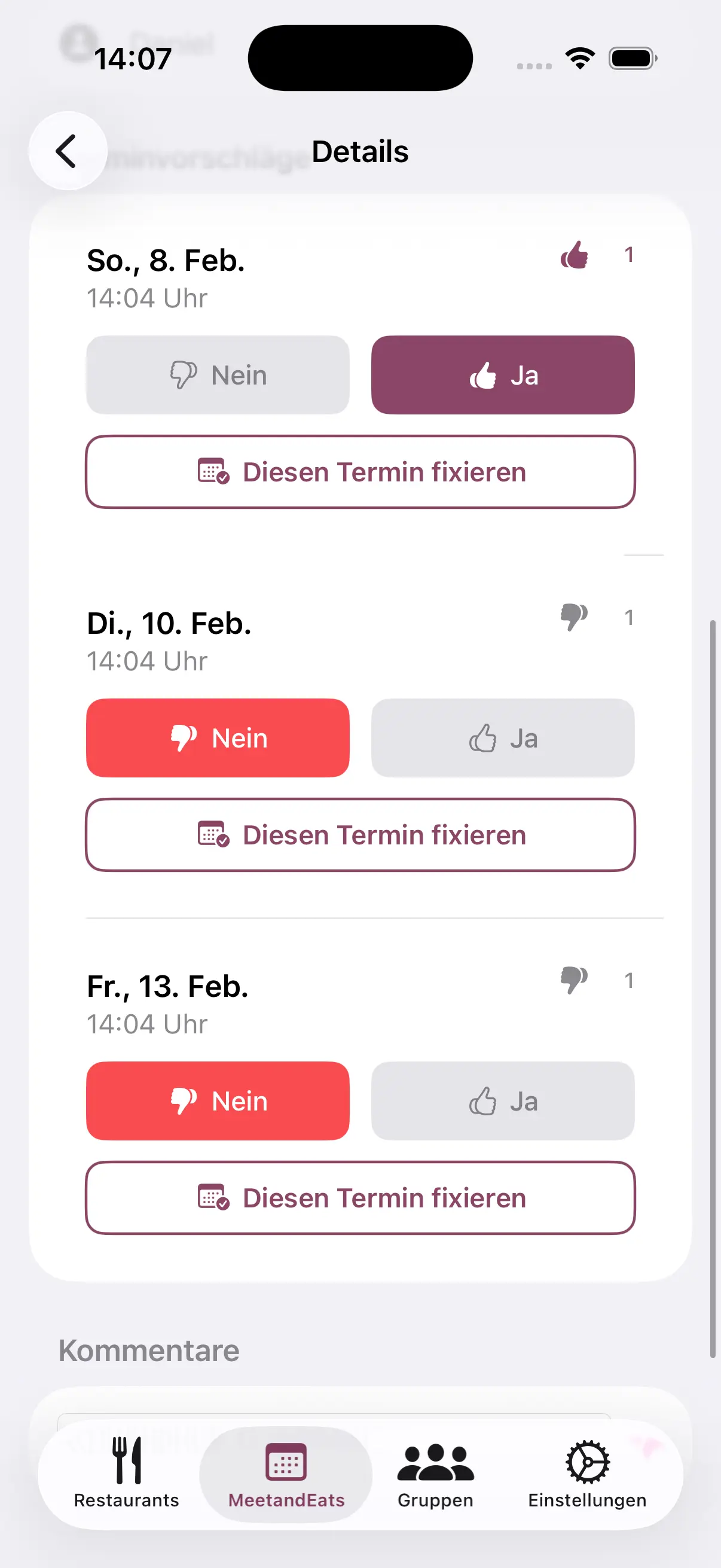
All group members can vote for their preferred dates. The most popular date is automatically highlighted so you can quickly reach a consensus.
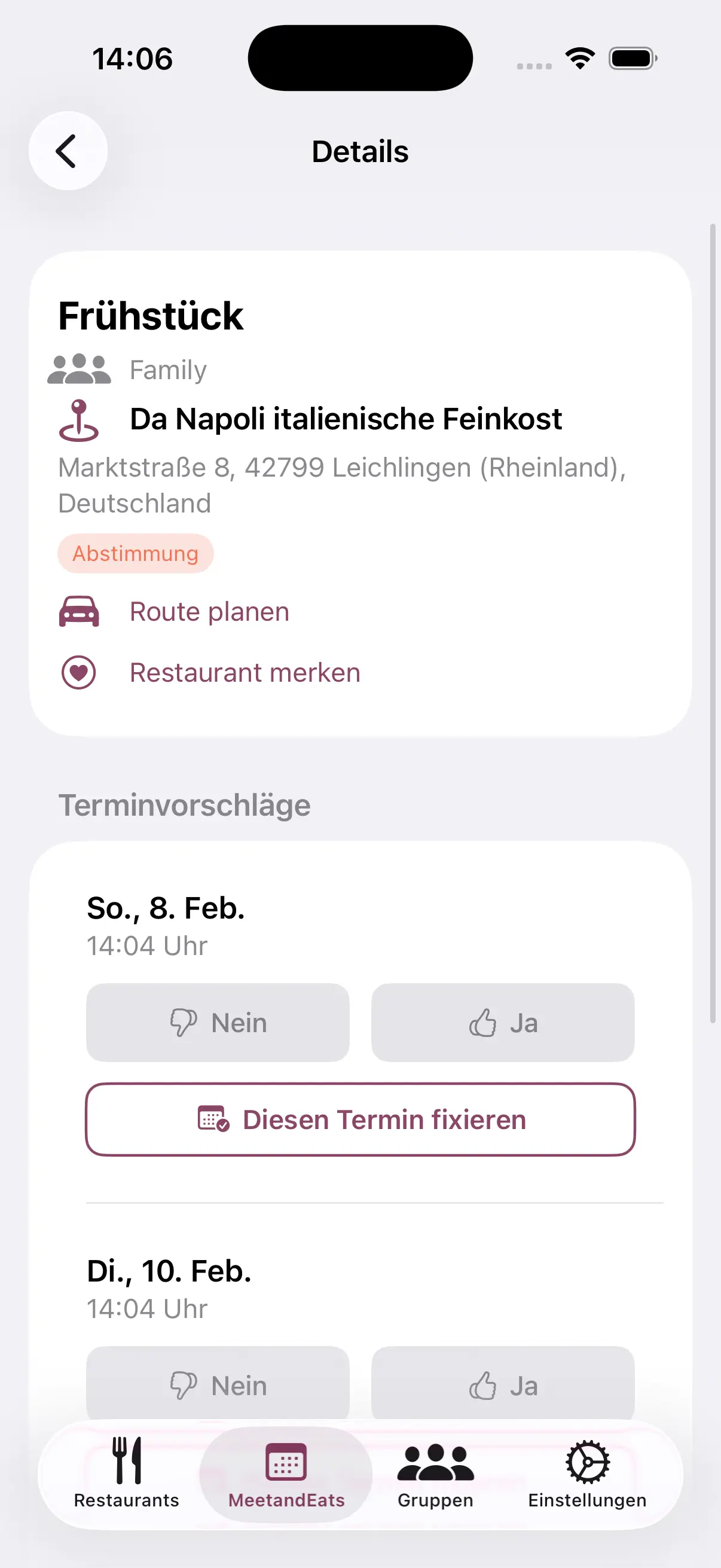
In the detail view you'll see all information at a glance: date, time, location, participants and voting results. From here you can open the chat or confirm the date.
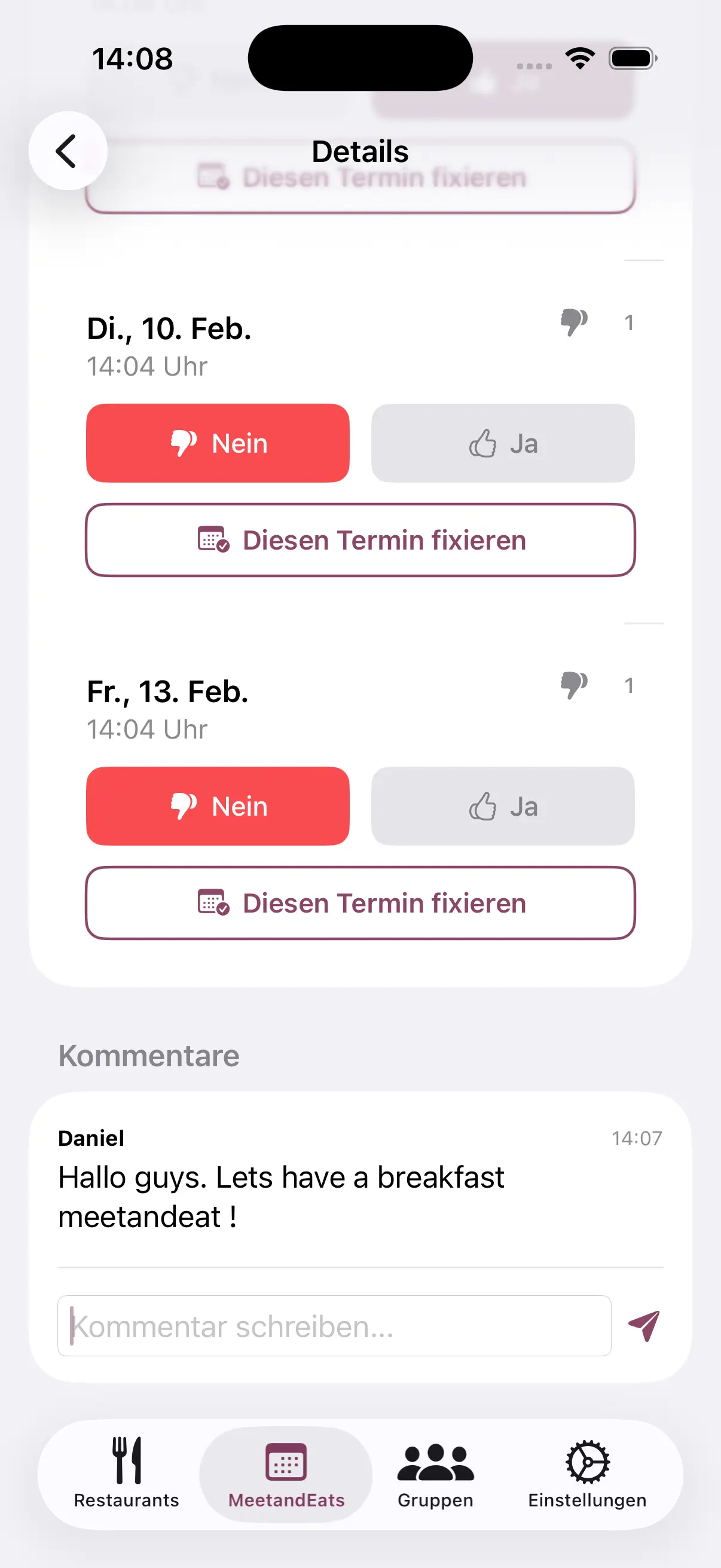
Discuss details right in the event chat. What to order? Who's bringing what? All information stays in one place – no messenger chaos.
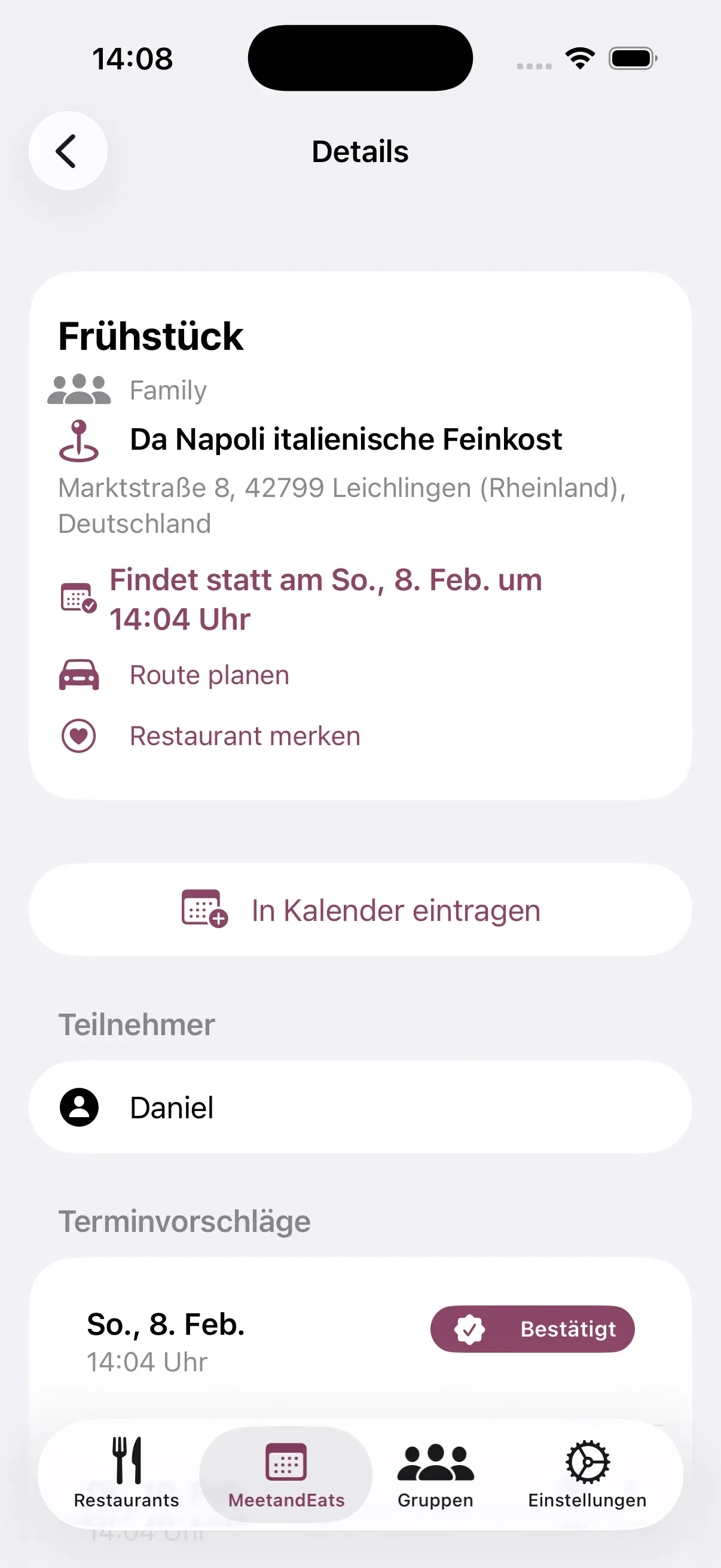
Once a date is confirmed, add it to your iPhone calendar with a single tap. Never miss a get-together again.
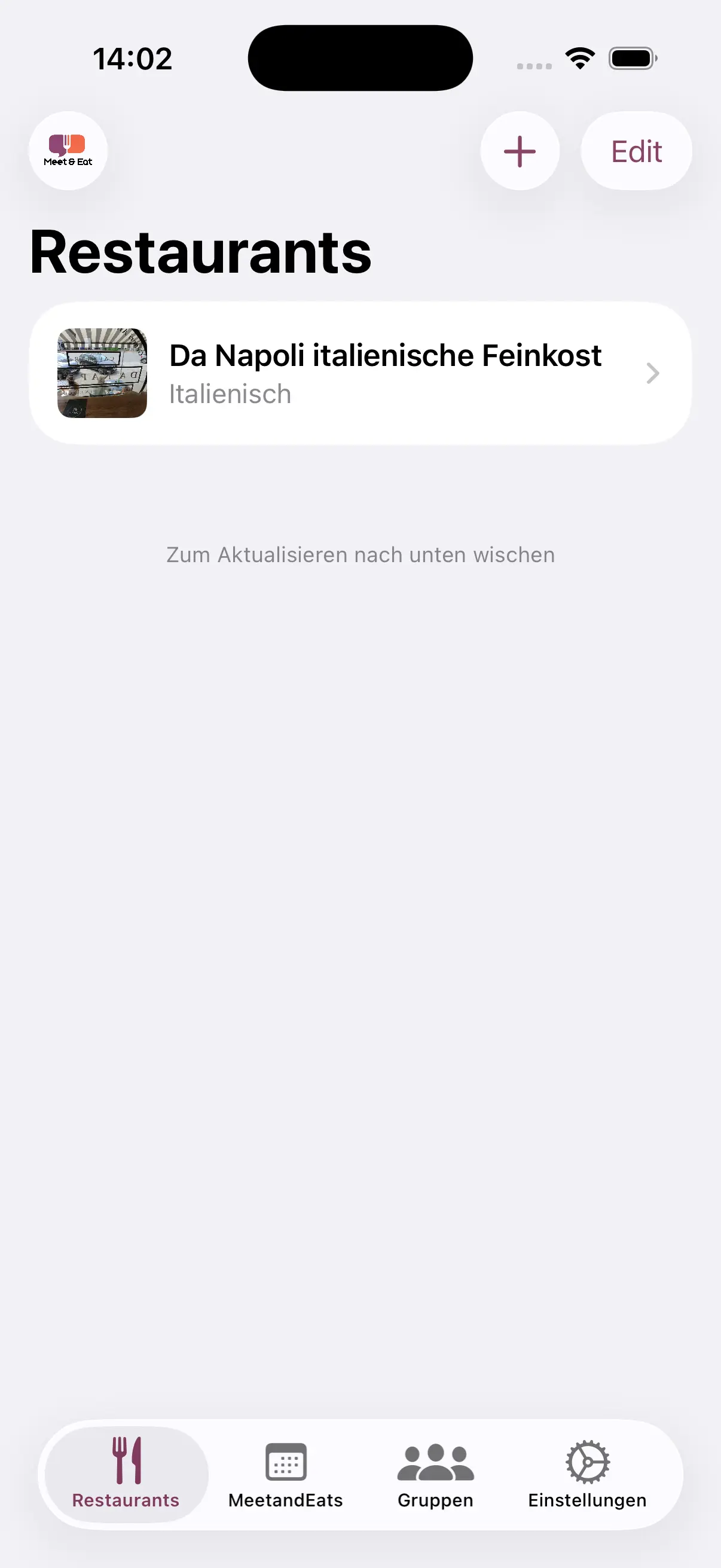
Add your favorite restaurants – with name, address and map view. Have options ready for your next event.
Download Meet & Eat for free and start planning your next meal together today.
Download free